Cuttlefish Comm Board – Update 1

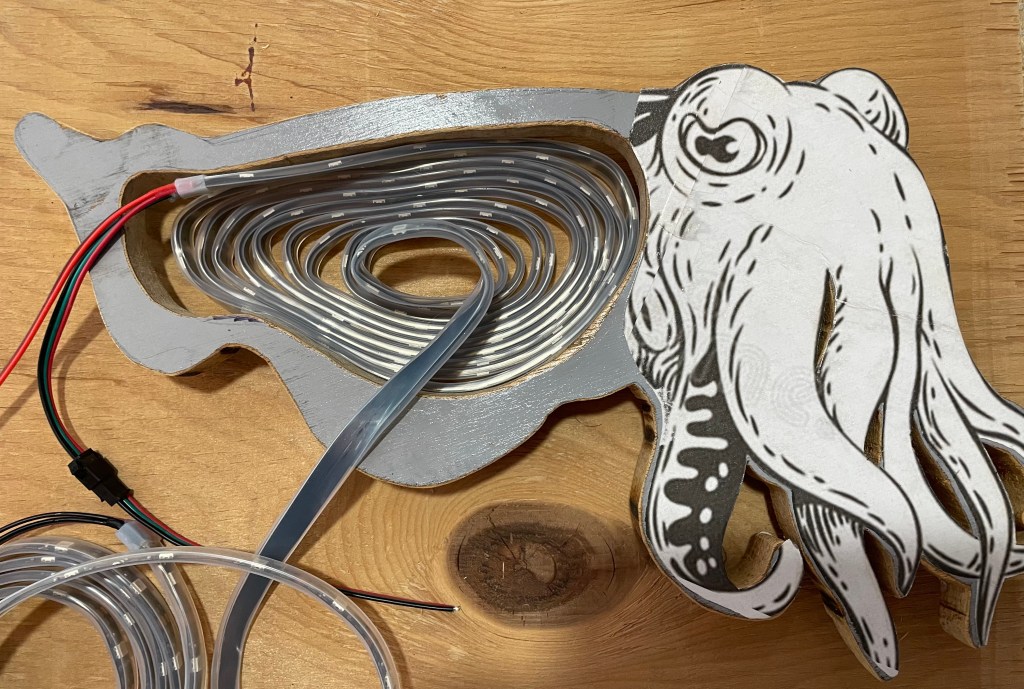
In my original post Cuttlefish Comm Board, I was planning on laying the LED strip on its side. Well, after digging into addressable LED strips, I quickly learned that this option was not going to work.

Laying the strip on its side would give me better LED resolution (spacing between the LEDs), but I could never figure out which LED I was trying to program, as opposed to laying it out flat. Also, rolled up, I could not fill in the entire display area, as I was limited by the angle that I could bend the strip.

I decided that I would cut the strips and connect them together, so that they could be laid out flat. The LED resolution would not be as good, but at least I could keep the project moving.

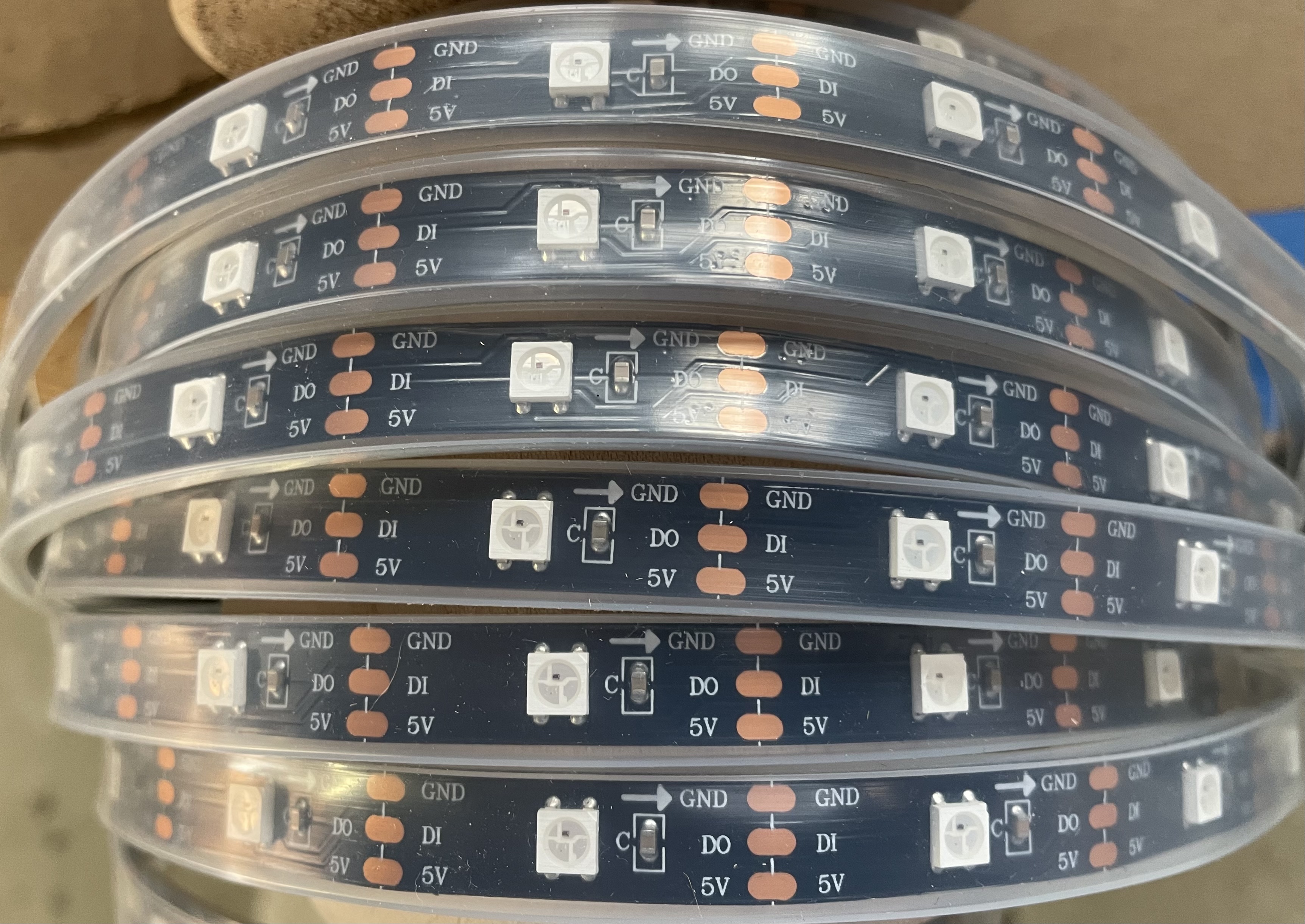
By the way, if you plan to buy LED strips, know that not all of them are addressable/programmable. Some just flash, which unfortunately I bought first. No biggie, as I am using this strip to practice cutting and splicing.

The strip on the left is the non-programmable – only flashes. The strip on the right is programmable via a micro controller (Arduino Board – or others) and a computer.

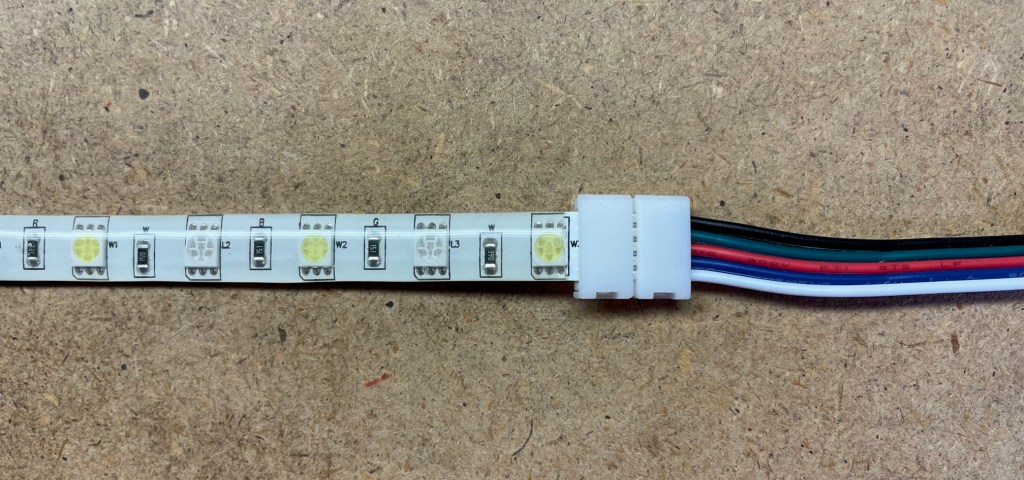
Cutting and splicing LED strips is not that easy – just my opinion. I was not able to solder the strips together with discrete wires, but found some connector clips on line, shown below. They worked pretty well.

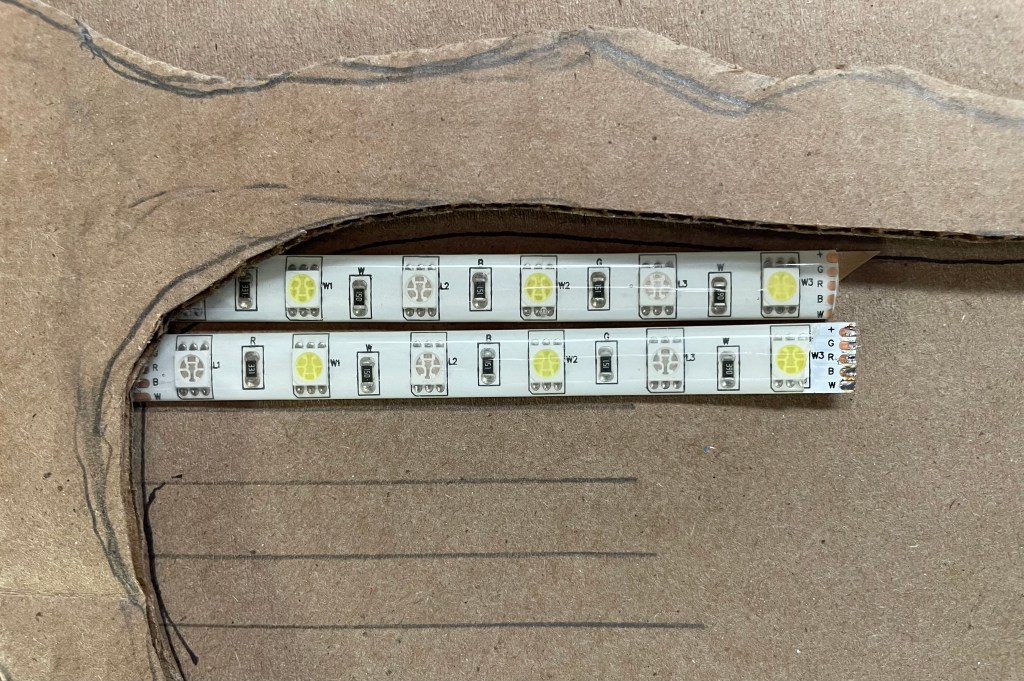
The picture below shows sample strips laid flat. This is how the entire cuttlefish display area will look. Each yellow square is a multi color LED. The splicing connectors will be behind the display area.

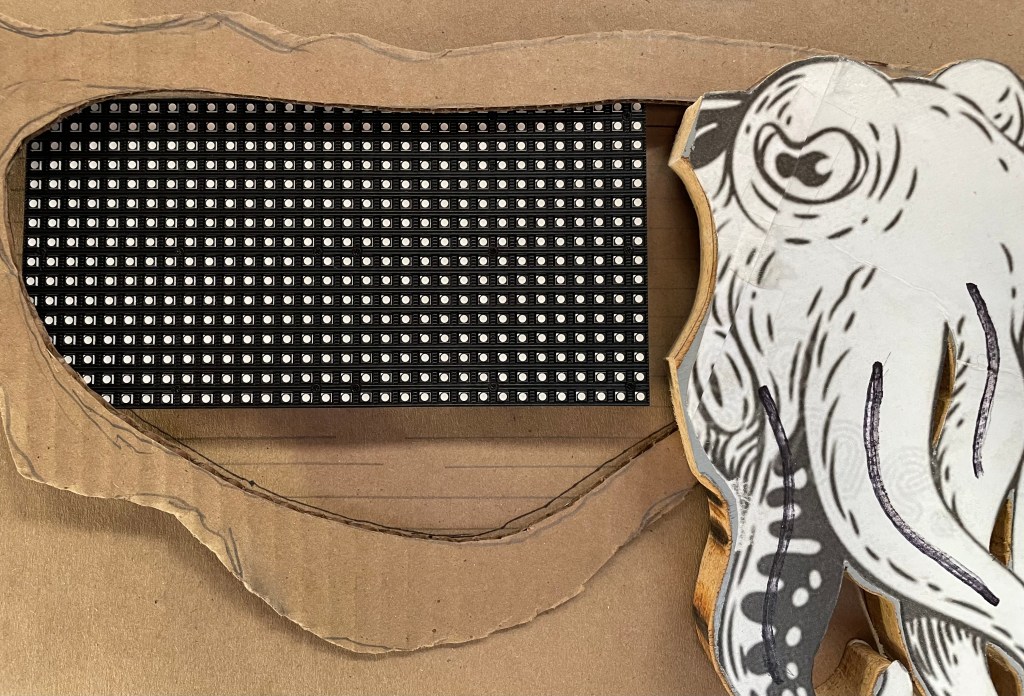
I’m going to lay this out so I can play around with the programming. I am not happy with the resolution, but after thinking a bit more I decided to ultimately go with an LED display board, as shown in this picture.

This is a 16 x 32 LED display, which I should be able to control using my Arduino PCB (at least the literature said it would work).

This will give me 512 LEDs, good resolution, variable colors, and I can make them appear as a moving wave. This is really much more like the chromatophore cells on the cuttlefish skin. Should be cool!

My display area is smaller (due to the size of the LED board, but that is an easy fix. I’ll just make the cuttlefish display area a bit smaller.

Now if I just knew how to program in C++. Okay, more to learn.

Balance Paddle

When I decided to build a balance board Hammerhead Balance Board, I also knew that I would need a safety net.

I was committed to strengthening my legs for hydrofoil surfing, but really did not like the idea of possibly falling and breaking a bone(s). So, instead of a net or pads, I thought I’d make a ‘Balance Paddle.’

The balance paddle, would act like a long cane, with a paddle at each end. The paddle would hopefully prevent me from tipping over.

I began the build with pallet wood and four old ceiling fan blades – Recycle and Reuse.

I glued and clamped the pallet wood to form the paddle shaft. I also glued and clamped up the fan blades, with each paddle end consisting of two fan blades glued together.

I left a slot at each end of the paddle shaft, so that the fan blades could be inserted.

Below, I have decided that I wanted the area where the blade attaches to the shaft, to resemble a hammerhead shark, emulating the balance board.

Here I have cut away the excess pallet wood.

Next, I began to shape the paddle shaft. I used a belt sander and coarse hand file.

In Part 2, I will finish shaping the shaft, and will cut it so that one paddle end can be removed, and a handle end added. This will enable me to use the paddle with the Hammerhead Board once the hydrofoil wing is added and I’m in the water, like the surfer below.

Am I crazy for doing this? I guess I’ll find out.