Airband Radio Build

From out of the clear blue of the western sky comes Sky King.” When I was a kid “Sky King” ruled Saturday morning television. For those of you too young to remember, Sky King was a radio show first, and then a TV show, about an Arizona rancher who owned a cool plane (the Songbird), had exciting adventures, and caught bad guys.

Last year, I could not resist buying a piece of nostalgia – I bought a Sky King model airplane. I also bought an airband radio, which picks up local aircraft to tower communications. Both are kits and I figured that they would keep me busy. I thought that it would be kind of fun to hang the model from the garage rafters, while listening to pilot-to-tower chatter.

Well, the model is still in the box, but I have taken on the radio. This is a $16.00 kit manufactured in China, so not a big investment. You have to put it together and figure out a few issues with the schematics as well. There are a number of these kits available for purchase on eBay.

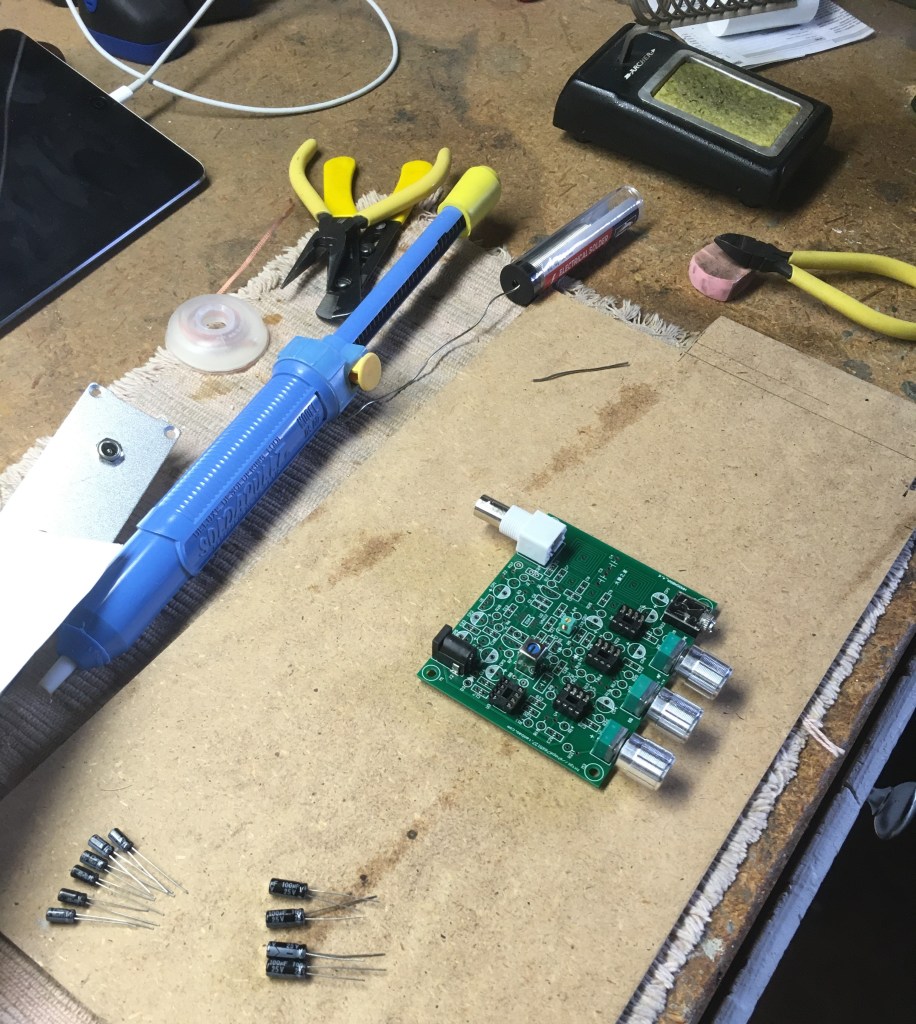
I laid out my tools and the electrical components, and the build began.

Mostly, you just follow the layout diagram, solder, and hope that you have received all the parts. I was missing one from the kit, but was able to substitute from my own inventory.

I also had to consult the web for help. I found a radio tech who had done a video on the same build. There were a couple of tips in the viewer’s comments that helped me out. Always consult the web for help.

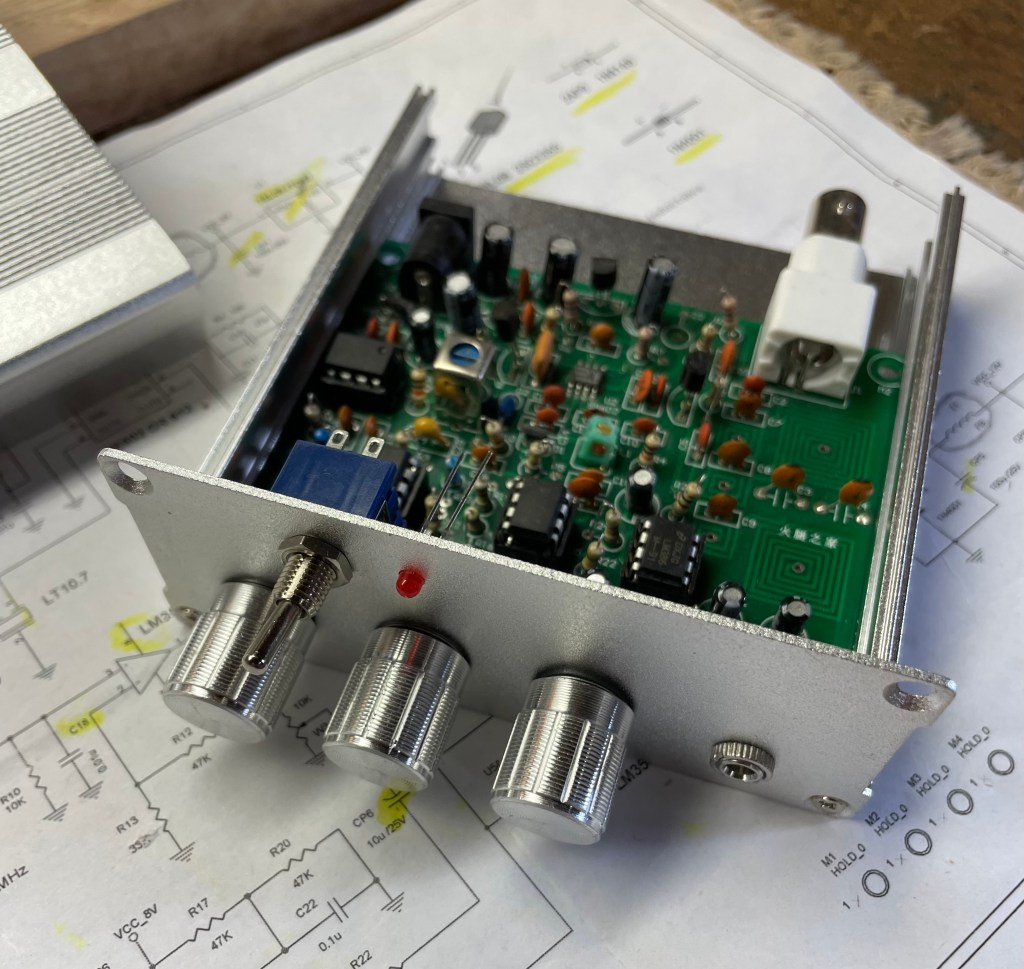
Here is the radio just about completed. The aluminum case does come with the kit. Actually, pretty nice.

I also consulted the web for an antenna design. You can’t pick up radio signals without an antenna…

… but that’s another build and post!

Cuttlefish Comm Board – Update 1

In my original post Cuttlefish Comm Board, I was planning on laying the LED strip on its side. Well, after digging into addressable LED strips, I quickly learned that this option was not going to work.

Laying the strip on its side would give me better LED resolution (spacing between the LEDs), but I could never figure out which LED I was trying to program, as opposed to laying it out flat. Also, rolled up, I could not fill in the entire display area, as I was limited by the angle that I could bend the strip.

I decided that I would cut the strips and connect them together, so that they could be laid out flat. The LED resolution would not be as good, but at least I could keep the project moving.

By the way, if you plan to buy LED strips, know that not all of them are addressable/programmable. Some just flash, which unfortunately I bought first. No biggie, as I am using this strip to practice cutting and splicing.

The strip on the left is the non-programmable – only flashes. The strip on the right is programmable via a micro controller (Arduino Board – or others) and a computer.

Cutting and splicing LED strips is not that easy – just my opinion. I was not able to solder the strips together with discrete wires, but found some connector clips on line, shown below. They worked pretty well.

The picture below shows sample strips laid flat. This is how the entire cuttlefish display area will look. Each yellow square is a multi color LED. The splicing connectors will be behind the display area.

I’m going to lay this out so I can play around with the programming. I am not happy with the resolution, but after thinking a bit more I decided to ultimately go with an LED display board, as shown in this picture.

This is a 16 x 32 LED display, which I should be able to control using my Arduino PCB (at least the literature said it would work).

This will give me 512 LEDs, good resolution, variable colors, and I can make them appear as a moving wave. This is really much more like the chromatophore cells on the cuttlefish skin. Should be cool!

My display area is smaller (due to the size of the LED board, but that is an easy fix. I’ll just make the cuttlefish display area a bit smaller.

Now if I just knew how to program in C++. Okay, more to learn.